Login with Google
To begin, simply head over to our Login Page and sign in using your Google account. This ensures secure and fast access without the need to remember another password.
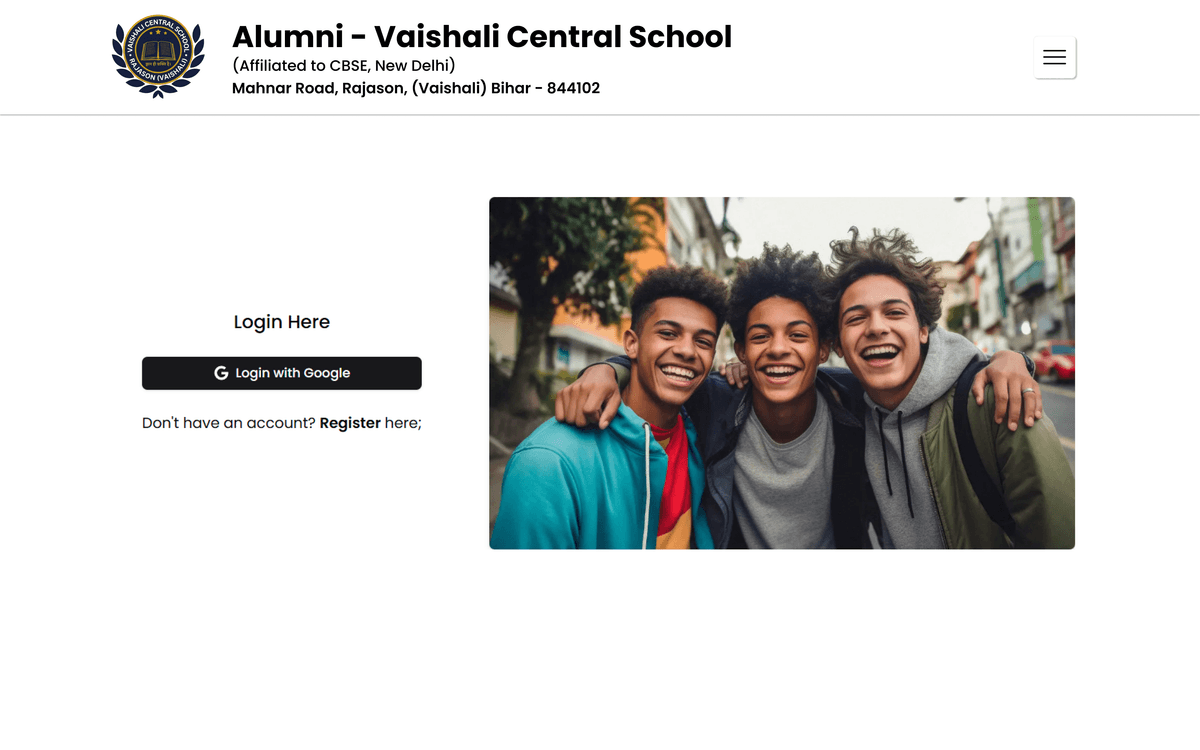
Redirect to Account Page
Once logged in, you'll be automatically redirected to the Account Page. This is where your journey officially starts.
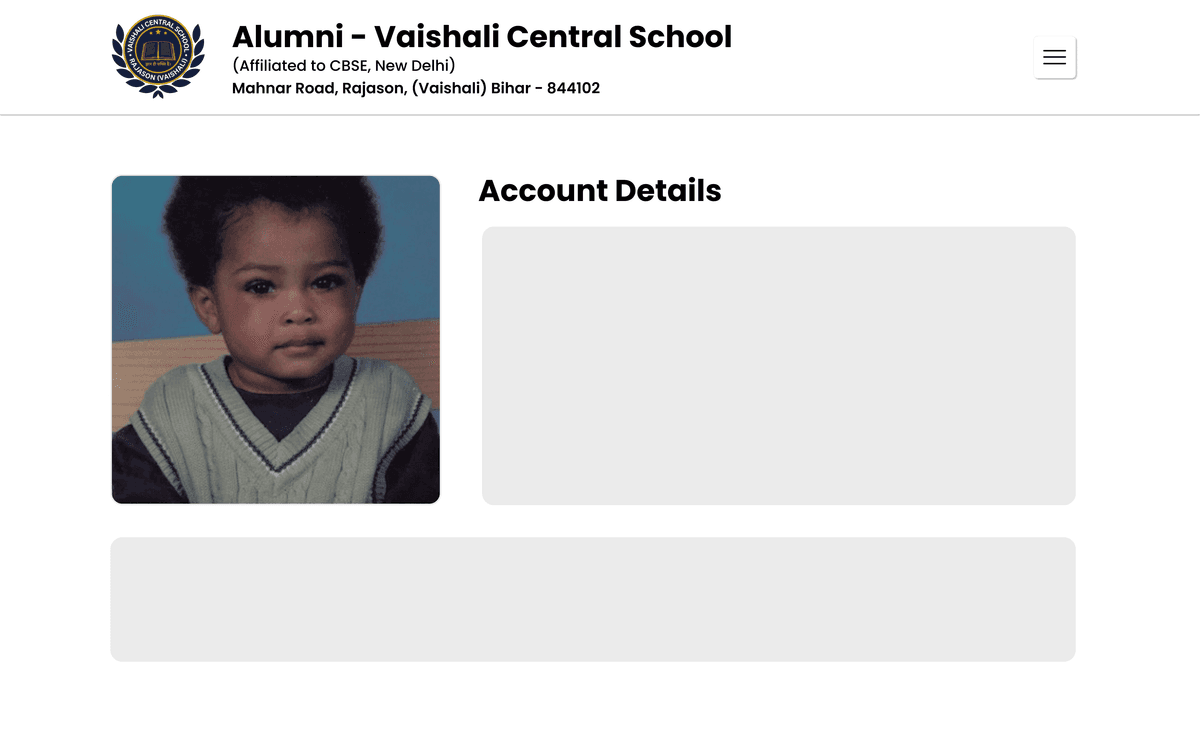
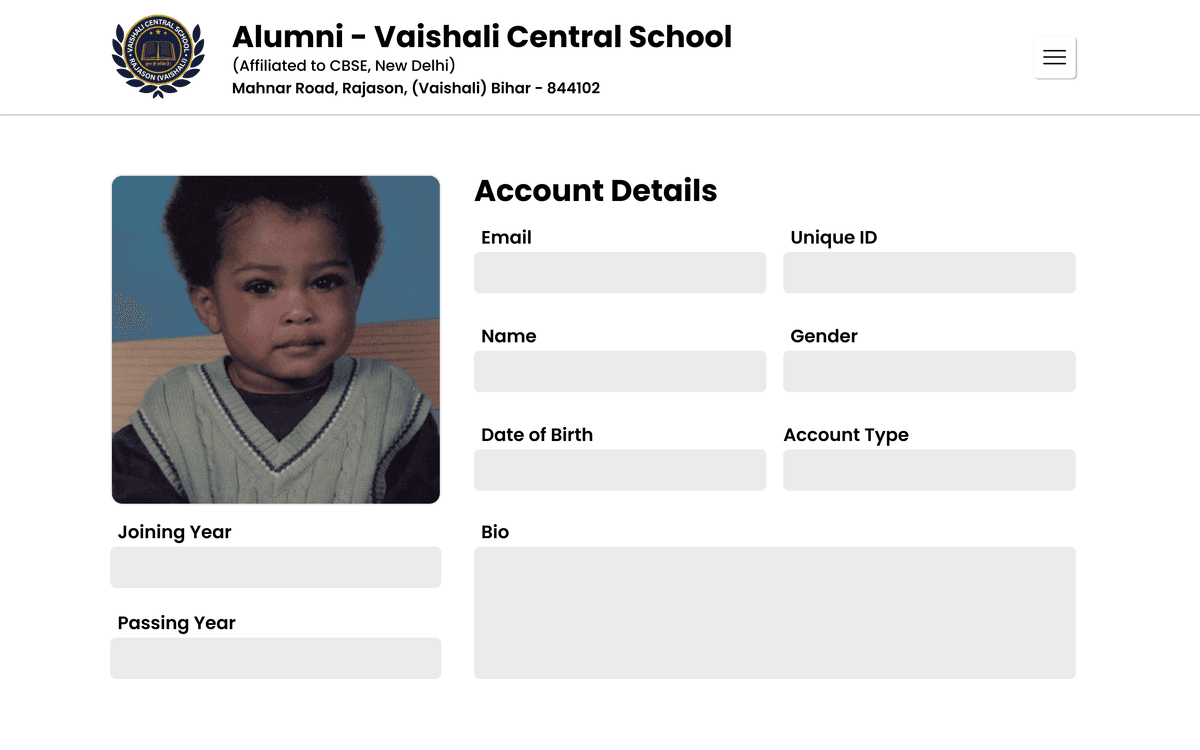
Complete Your Profile
On the account page, you’ll be prompted to fill in your personal and academic details. Make sure to provide accurate and up-to-date information to help us verify your identity and background.
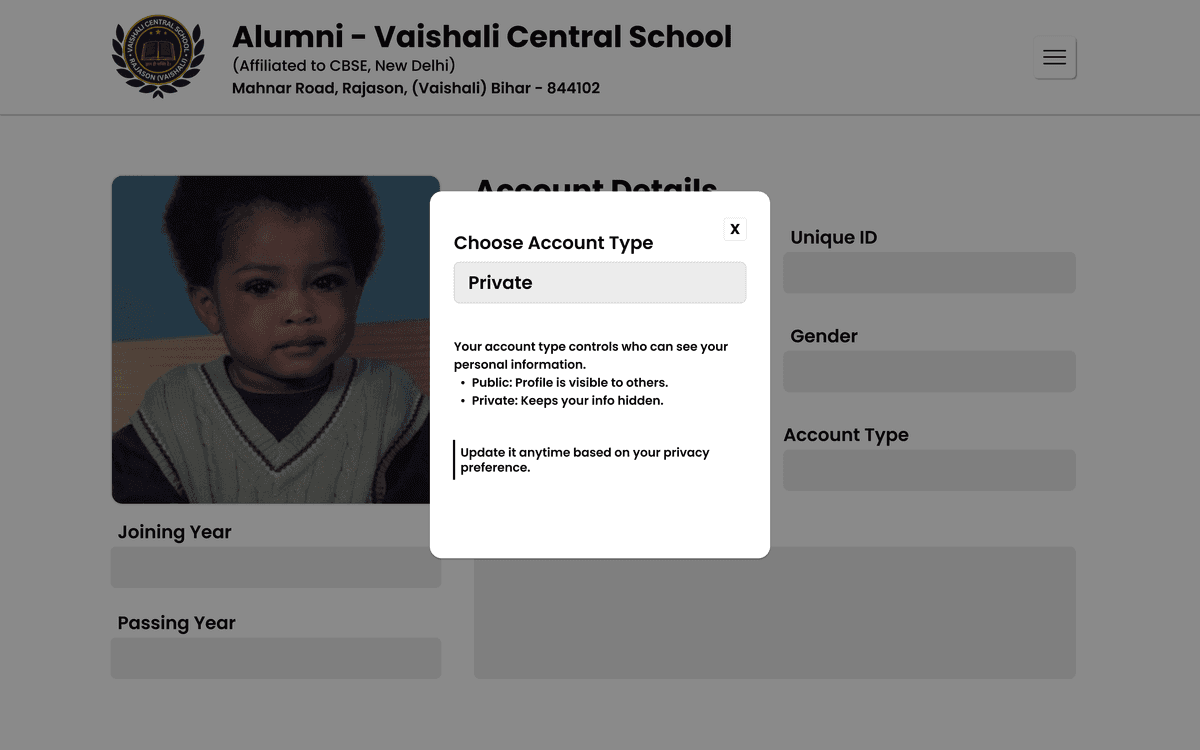
Choose Your Account Visibility
You can decide whether your profile will be Public (visible to other alumni) or Private (only visible to admins). This setting can be adjusted later from your profile settings as well.
Admin Review & Verification
After submitting your information, our admin team will review your profile and verify your details. This step is essential to maintain the authenticity and quality of our alumni network.
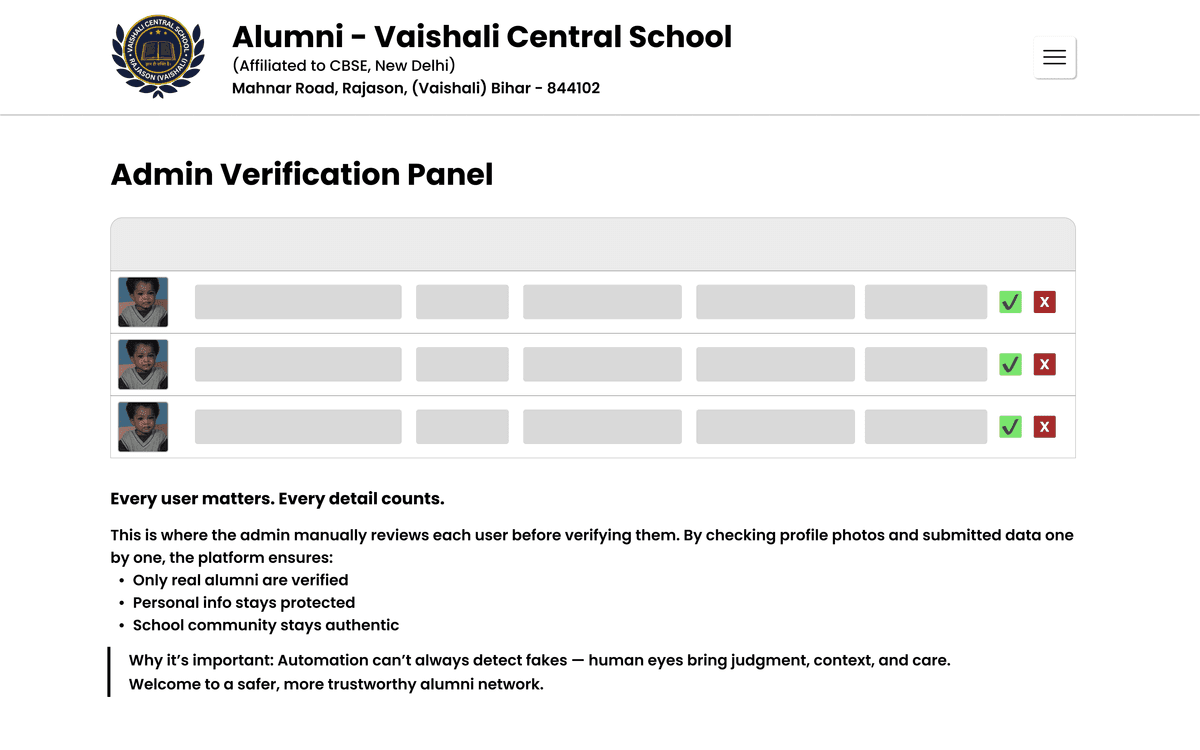
Approval & Welcome Notice
If your submitted details pass the verification process, a Welcome Notice will be uploaded on the platform confirming your membership in the alumni community.
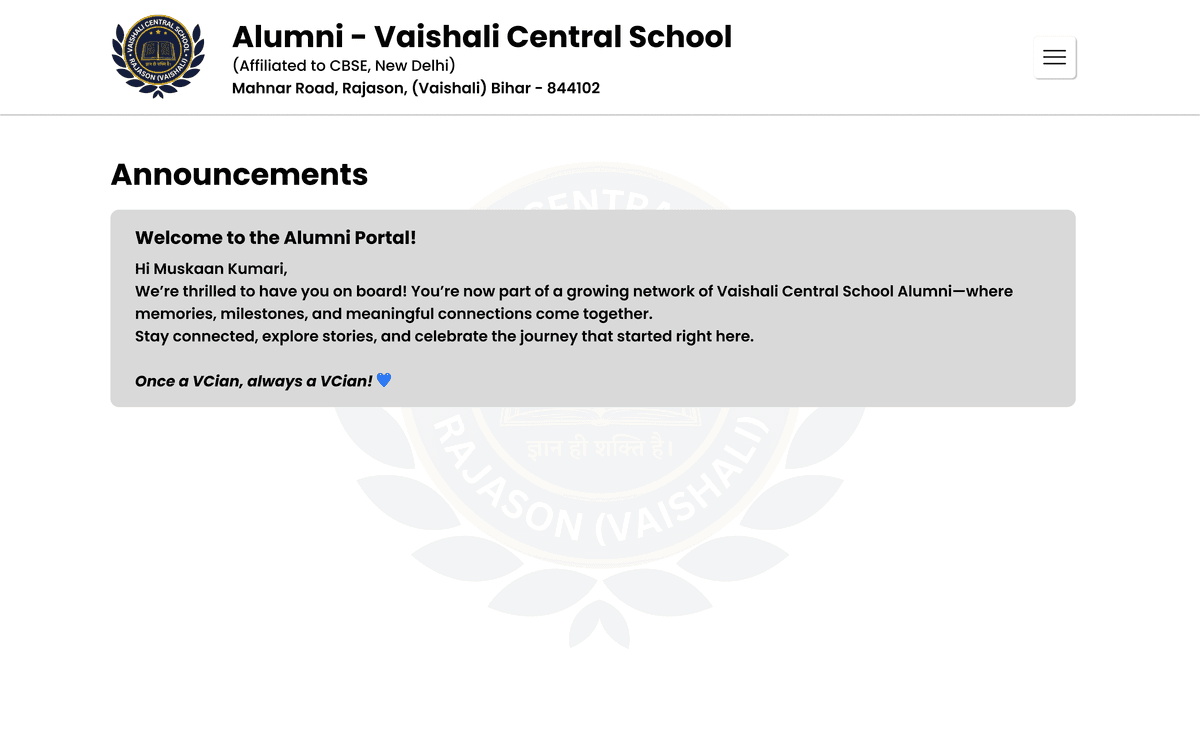
Note: If the background verification reveals incorrect, incomplete, or suspicious information, your account will be removed, and the associated email address will be permanently blocked from accessing the portal in the future. Please ensure that all data entered is genuine and accurate.
Alumni Association
Vaishali Central School
Mahnar Road, Rajason
Vaishali, Bihar - 844102
info@vaishalicentralschool.com
Vaishali, Bihar - 844102
info@vaishalicentralschool.com
Join the force today by clicking here.
Useful Links
Login & RegisterAcademic RecordsOnline ResourcesFaculty & StaffTerms of ServicePrivacy Policy
Call us
+91 99349 36302
+91 99349 36302
© 2025 Vaishali Central School. All Right Reserved.